Apr 28, 2026
Growth
A Search Visibility Check You Can Run Yourself
Read time: 4 min read
Key Takeaways
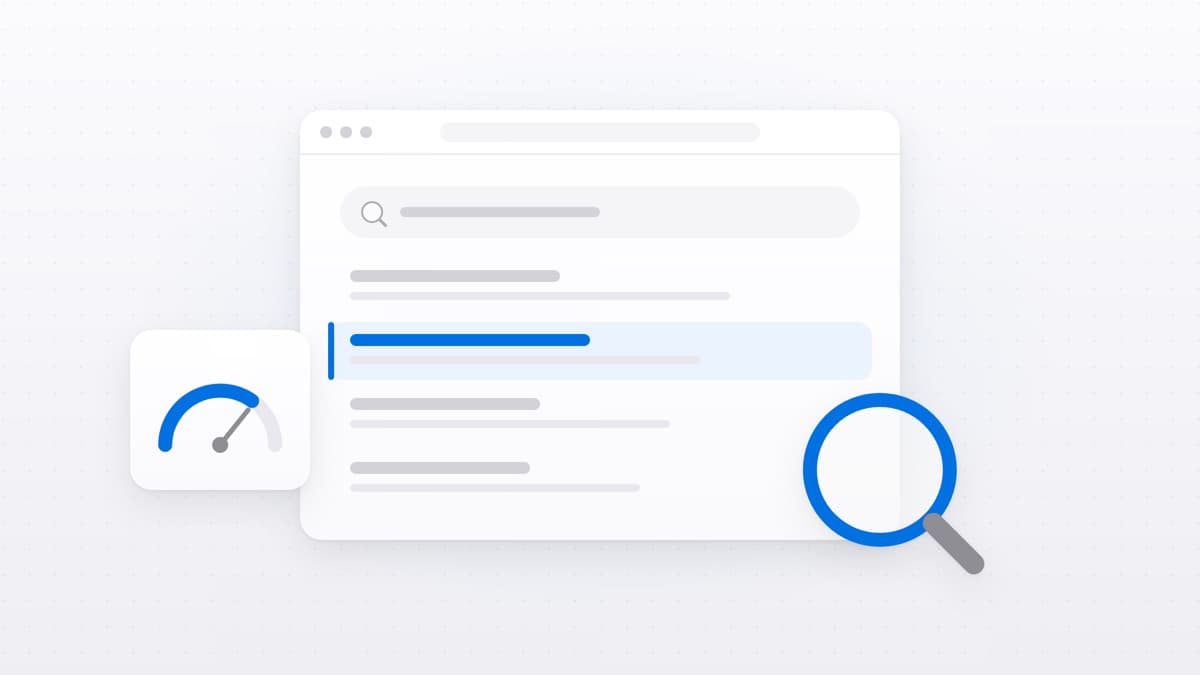
Many search visibility problems are basic page faults you can find yourself. Spend an hour on your top 10 pages with view source, PageSpeed Insights and Google Search Console, then fix the worst first.
One hour, ten pages
You don't need to pay anyone to find out why a page isn't showing up in Google. Many causes are basic page faults you can check yourself with a browser and free tools.
Set aside an hour. Pick the 10 pages that matter most to your business, run the checks below on each one, and write down what fails. Then fix the worst first. A missing title on your main service page matters more than one image without alt text on an old post.
The page checks
Open each page, then use your browser's view source to see the code behind it. Check each of these:
- Title. Is there one? Is it 60 characters or under, so it doesn't get cut off in results? Is it unique?
- Meta description. Is there one, is it under about 155 characters, and is it unique to the page?
- One H1. Exactly one main heading per page. Not zero, not three.
- Alt text. Every image should have an alt attribute describing it.
- Errors. The page should load, not return a 4xx or 5xx error.
- Viewport tag. It tells phones how to size the page.
- Word count. A page meant to rank with under 300 words is thin. Say more about what you do and who it's for.
- Structured data. Look for JSON-LD, such as a LocalBusiness block, which describes your business in a form search engines can read.
- noindex. Search the source for "noindex". If it's on a page you want found, that page is asking to be left out of results.
Speed: Core Web Vitals
Put each page into PageSpeed Insights at pagespeed.web.dev. It reports Core Web Vitals, Google's measures of how a page feels to load and use.
Good is an LCP within 2.5 seconds (how long the main content takes to appear), an INP under 200 milliseconds (how quickly the page responds to a tap or click) and a CLS under 0.1 (how much the layout jumps around while it loads). Anything outside those goes on the fix list.
What Google already knows
Google Search Console is free and shows you how Google sees your site. Two reports matter here. The Pages report shows which pages are indexed and, for the ones that aren't, why not. The Performance report shows the searches you show up for and how often people click through.
For a quick check without logging in, search Google for site:yourdomain.com.au. If an important page is missing, go back to the noindex and error checks above.
Ask the answer engines
Search isn't only Google now. Ask ChatGPT, Gemini or Perplexity the question a customer would ask, in their words, without your business name in it. Note whether you're mentioned. Ask the same question each time so you can see whether it changes.
Where Sageo fits
In April I built the engine behind Sageo, which runs these checks across every page of a site. Version 0.1.0 on 5 April covered the crawler, the page checks, Google Search Console and answer-engine queries. PageSpeed came the next day. On 22 April it became one command that runs the lot and comes back with recommendations.
The checks are the ones listed above. For ten pages, an hour with a browser does the job.
If you want a second pair of eyes on what you find, book a call or see Sageo.
Recent articles
Plain writing on operations, compliance and the systems businesses actually run on.
Dec 1, 2026
Operations
Care Minutes Reporting Without the Spreadsheet
How one aged-care group swapped a quarterly reporting spreadsheet for a dashboard that is up to date every morning.
Nov 24, 2026
Compliance
Keeping a Trade Fleet Road-Ready Without a Clipboard
Paper pre-starts get filled in late and defects go nowhere. How I set up phone checks, defect alerts and odometer servicing for a WA plumbing business.
Tell me what your business runs on today
A 30 minute call. You describe the spreadsheets, the apps and the paperwork; I tell you what I would build and roughly what it would cost.